
Microsoft Fabric articles
Practical articles from the Plainsight team on Microsoft Fabric: how we set up workspaces and deployment pipelines, run dbt and CI/CD on it, size capacities, and connect it to Power BI and AI. Written by the people who build these platforms for clients.
Start here
 Data Engineering
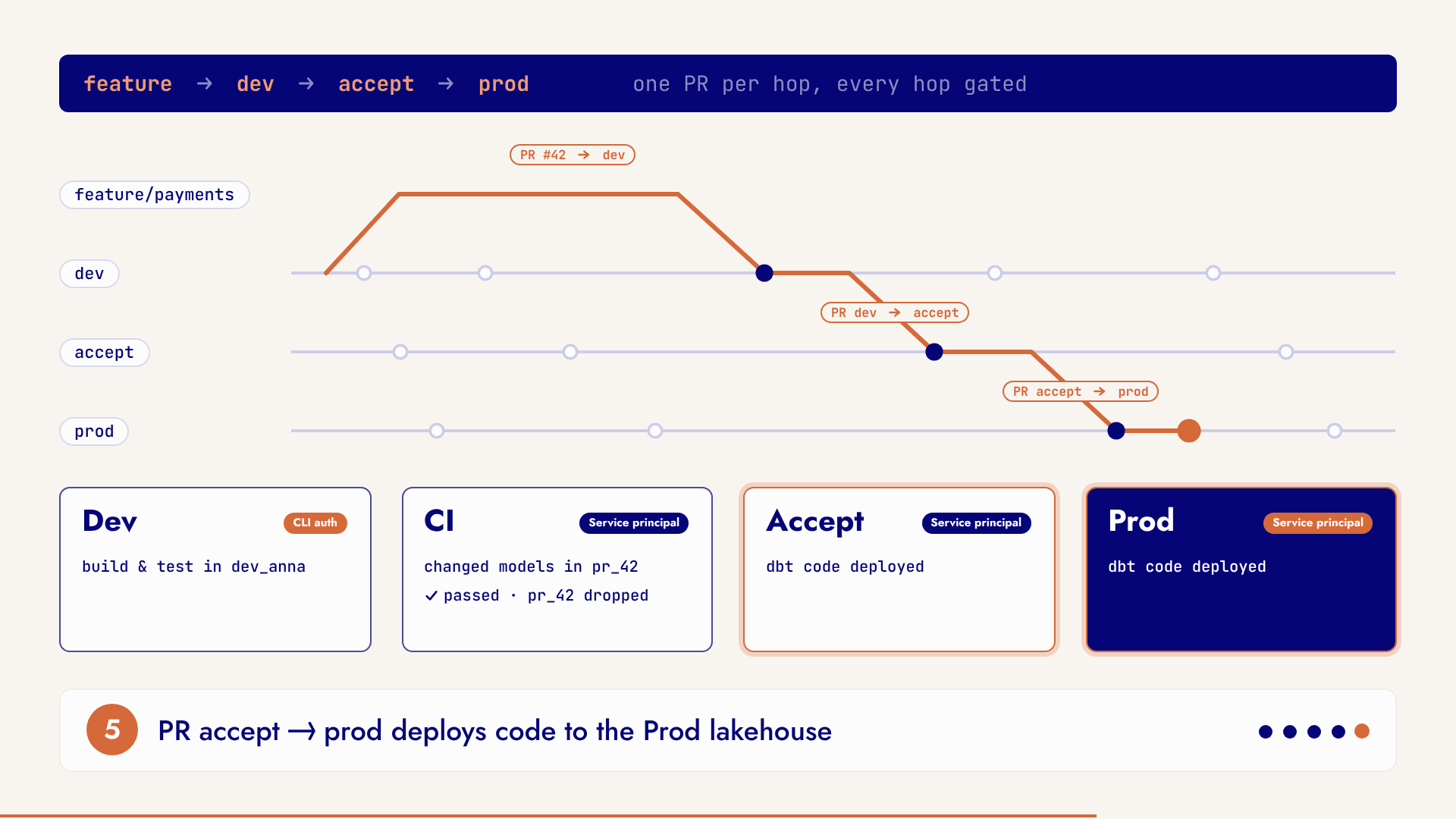
CI/CD for dbt on Microsoft Fabric
How we set up CI/CD for dbt on Microsoft Fabric: one workspace per environment, isolated schemas, slim CI with deferral, quality gates and scheduled runs.
How to Simplify Deployment Pipelines: One Parameter to Rule Them All
Replace a parameter per data source with one environment parameter and a small Power Query function, so a Power BI deployment pipeline needs one rule per stage.
 Power BI
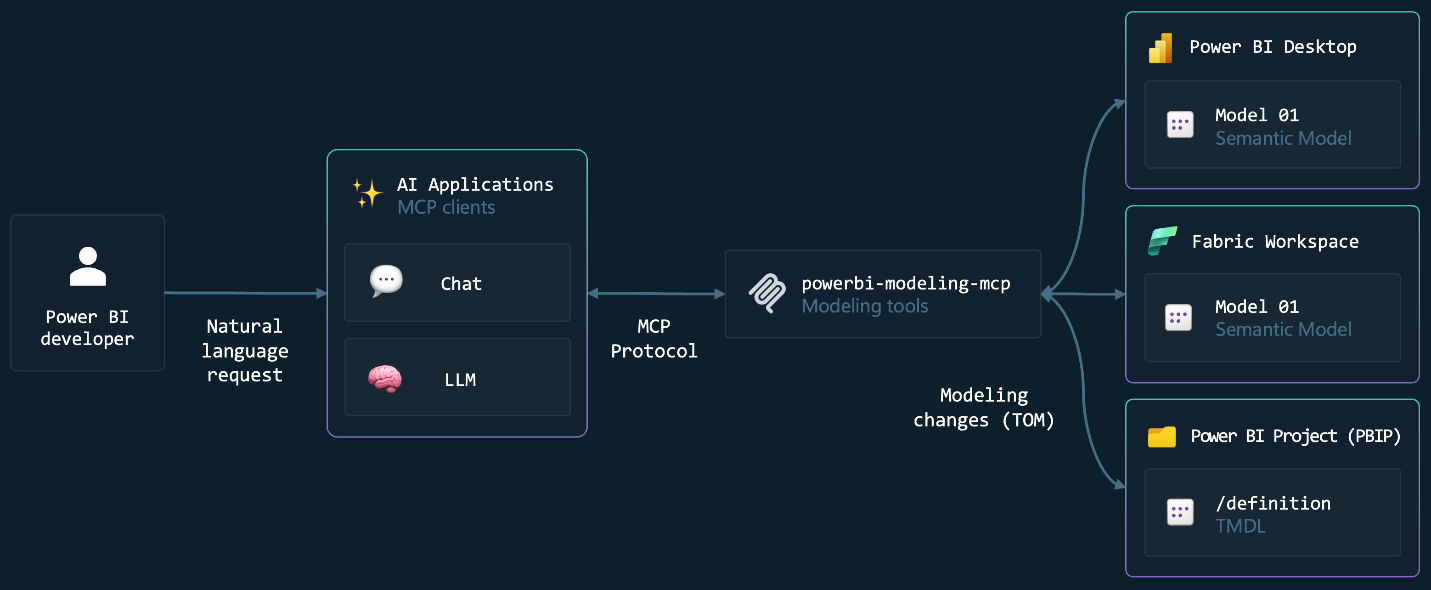
 Meets AI: MCP, Copilot & Fabric Agents Explained
How the Power BI Authoring MCP server, Copilot in Power BI and Fabric data agents fit together: who each one is for, what it can do, and how to start with real prompts.
More on Microsoft Fabric
 Power BI
Copilot Gives Bad Answers? Fix Your Data First.
Copilot misses the mark when your Power BI semantic model isn't prepared for AI. Two concrete steps (clean up your model and use Prep Data for AI) turn unusable answers into ones you'd happily share with your manager.
 Power BI
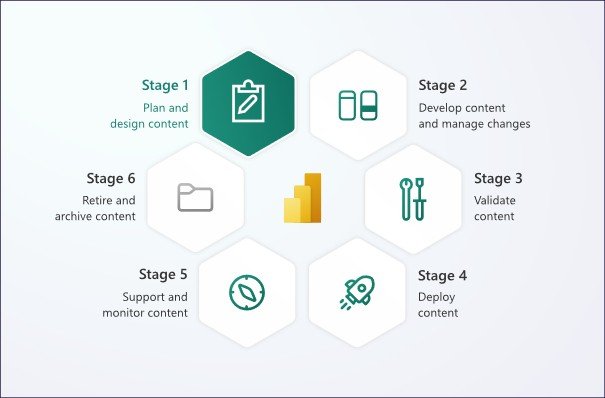
Efficiently Managing Version History and Deployment in Power BI
How to choose a version history and deployment setup for Power BI that fits your team: PBIP and TMDL in Git, deployment pipelines, quality gates and shared models.
 Power BI
Save Future You Time with Auto-Generated Color Measures
Stop clicking through Power BI formatting menus. Generate semantic color measures from your theme with C# or Python and restyle a report in minutes.
 Microsoft Fabric
Top 5 Fabric Innovations Announced at Microsoft Ignite
Last month Microsoft Ignite took place in San Francisco. During this event lots of new developments got announced regarding all Microsoft products. This…

From Chaos to Clarity: How Microsoft Fabric Enables Collaboration Across Teams in Small to Mid-Sized Companies
In small to mid-sized enterprises (SMEs), speed and cost-efficiency matter most. SMEs need to make quick decisions, adapt fast, and keep expenses low. But…
 Power BI
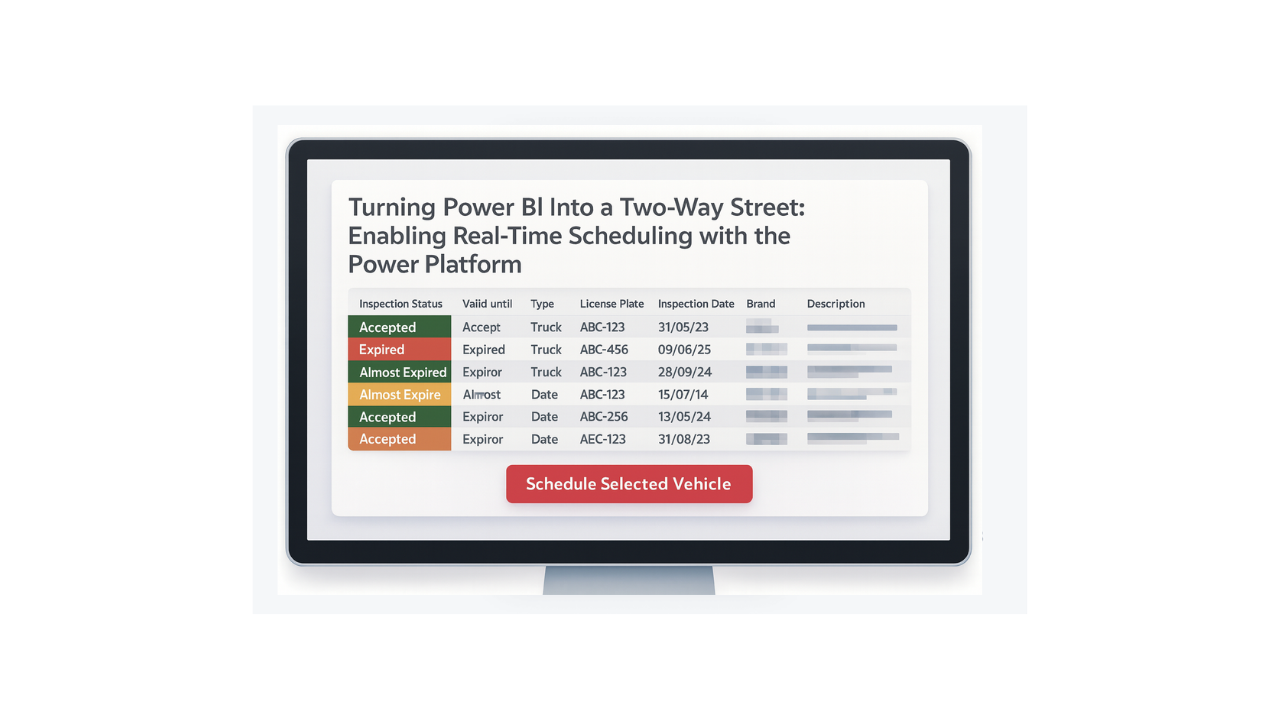
Turning Power BI Into a Two-Way Street: Enabling Real-Time Scheduling with the Power Platform
Imagine multiple people are consulting the same report on a regular basis. The report contains information about vehicles, more specifically when they are…
 Microsoft Fabric
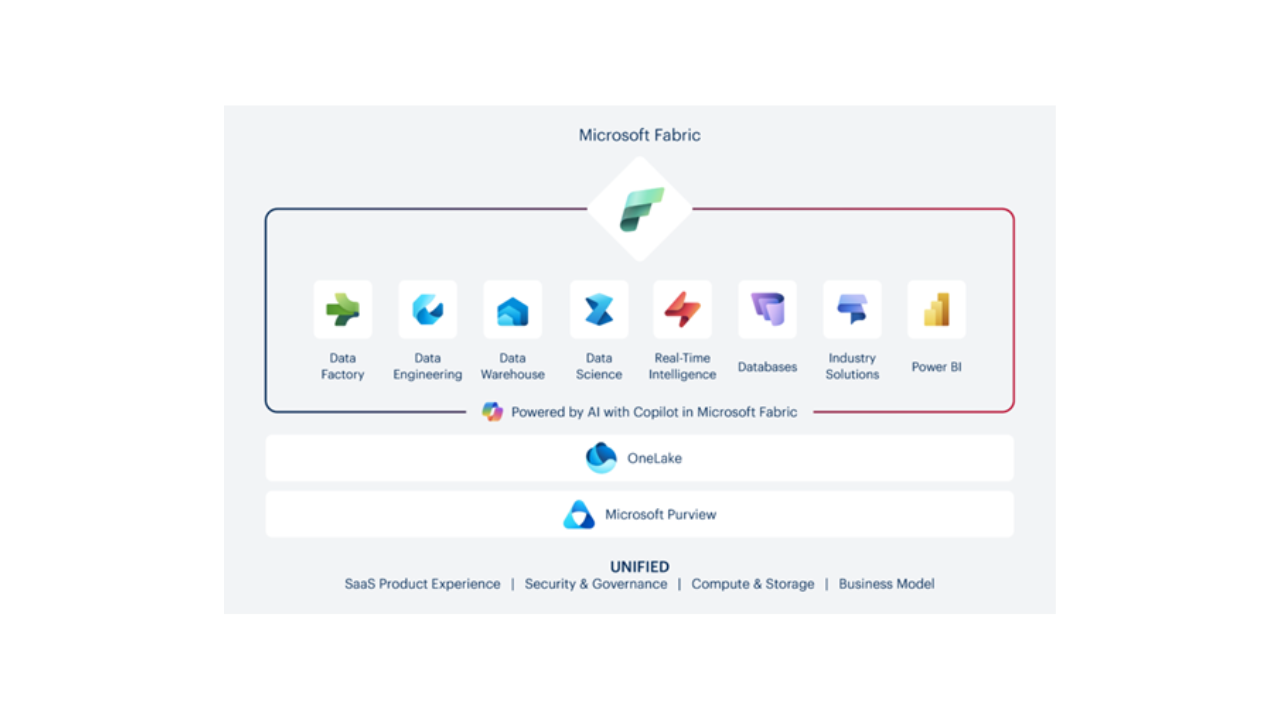
From Start-up to Enterprise: One Platform, Infinite Insights with Microsoft Fabric
One boutique, one manufacturer, one insurer: how Microsoft Fabric turns scattered data into decisions at every company size.
 Microsoft Fabric
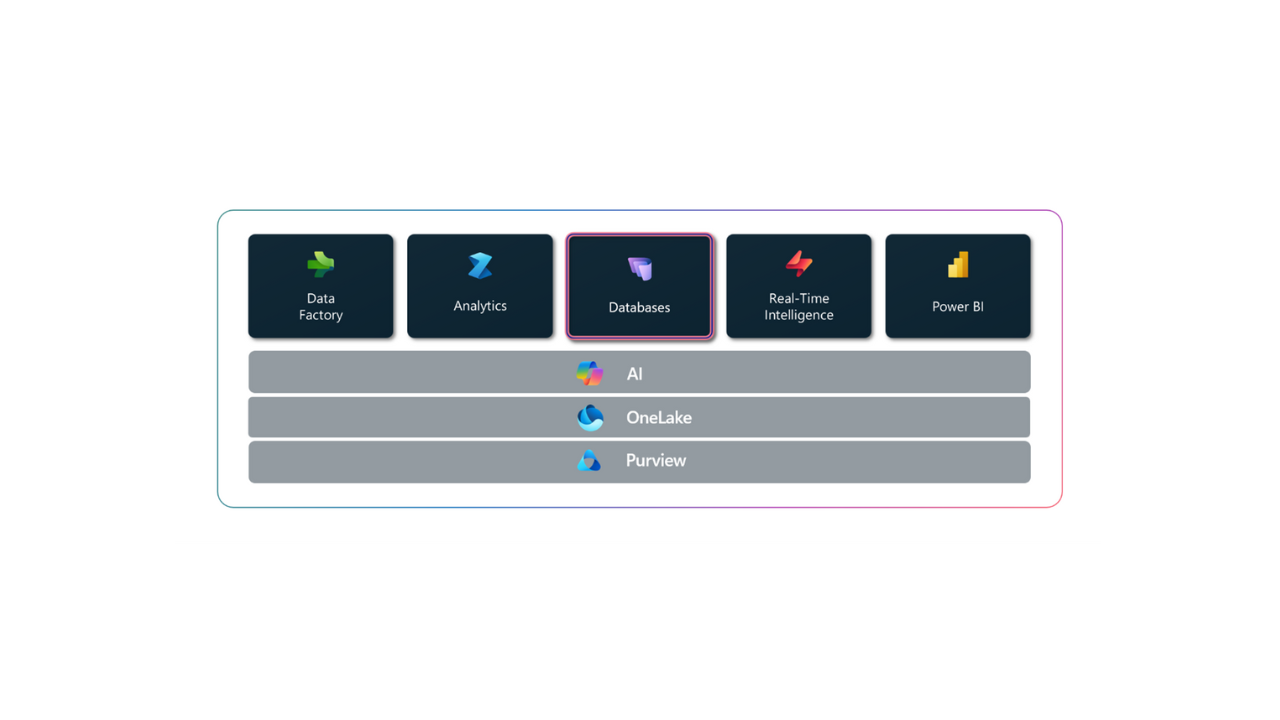
SQL Databases in Fabric: Because Life's Too Short for Database Configuration Nightmares
At the end of 2024, databases were introduced to Microsoft Fabric, marking a significant milestone in the evolution of Fabric as an end-to-end data…
 Microsoft Fabric
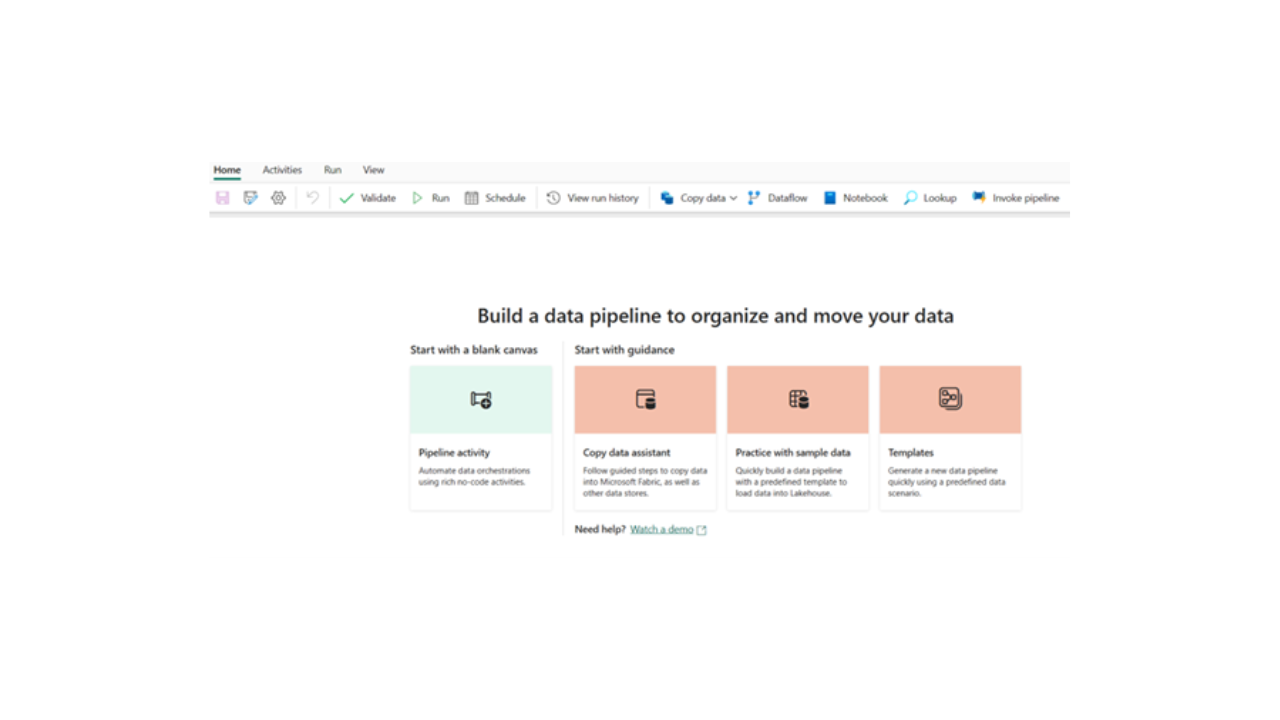
Automating Data Pipelines with Microsoft Fabric for Faster Insights
How to automate ETL with Data Pipelines in Microsoft Fabric: ingestion, transformation, storage, and orchestration, all in a low/no-code environment.
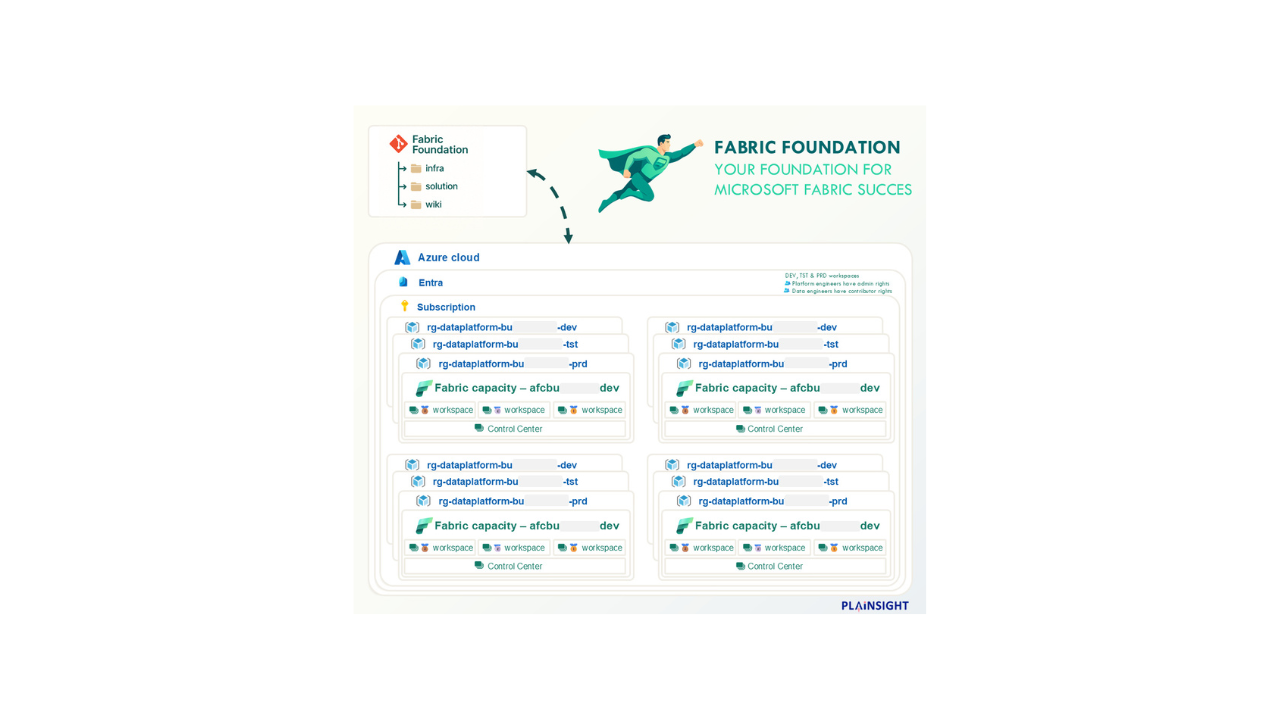
How to Deploy and Configure 12 Microsoft Fabric Capacities in a matter of hours
THE CHALLENGE - Deploy 12 Fabric Capacities - Across 4 business Units - With a dev, tst & prd capacity - With a Bronze, Silver, Gold & Control workspace for…
 Power BI
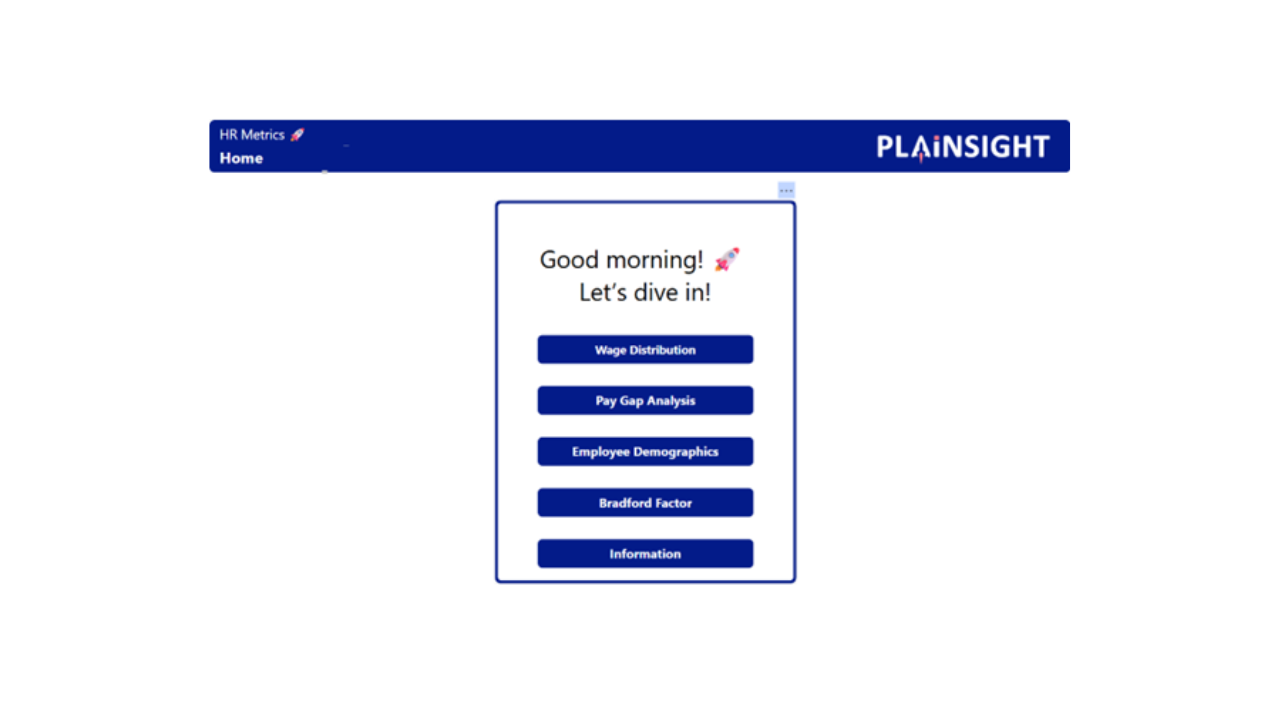
Reporting on Officient with Power BI
This guide complements the free Power BI app for Officient, available on Microsoft AppSource: Officient Reporting. It helps you quickly gain insights from…
 Power BI
How to Migrate from Tableau to Power BI
A practical guide to moving from Tableau to Power BI: key differences, a six step migration plan, common pitfalls, and how to get adoption right.
How Can I Use Power BI and Microsoft Fabric to Automate Reporting Across Multiple Data Sources?
Manual reporting means stale numbers and copy-paste errors. How Fabric and Power BI automate the pipeline from source to dashboard, step by step.
 Microsoft Fabric
How Microsoft Fabric Simplifies Data Integration Across Your Organisation
OneLake, pipelines, Dataflow Gen2, Notebooks, Eventstream: how Fabric puts ingestion, storage, and reporting on one platform instead of five tools.
 Power BI
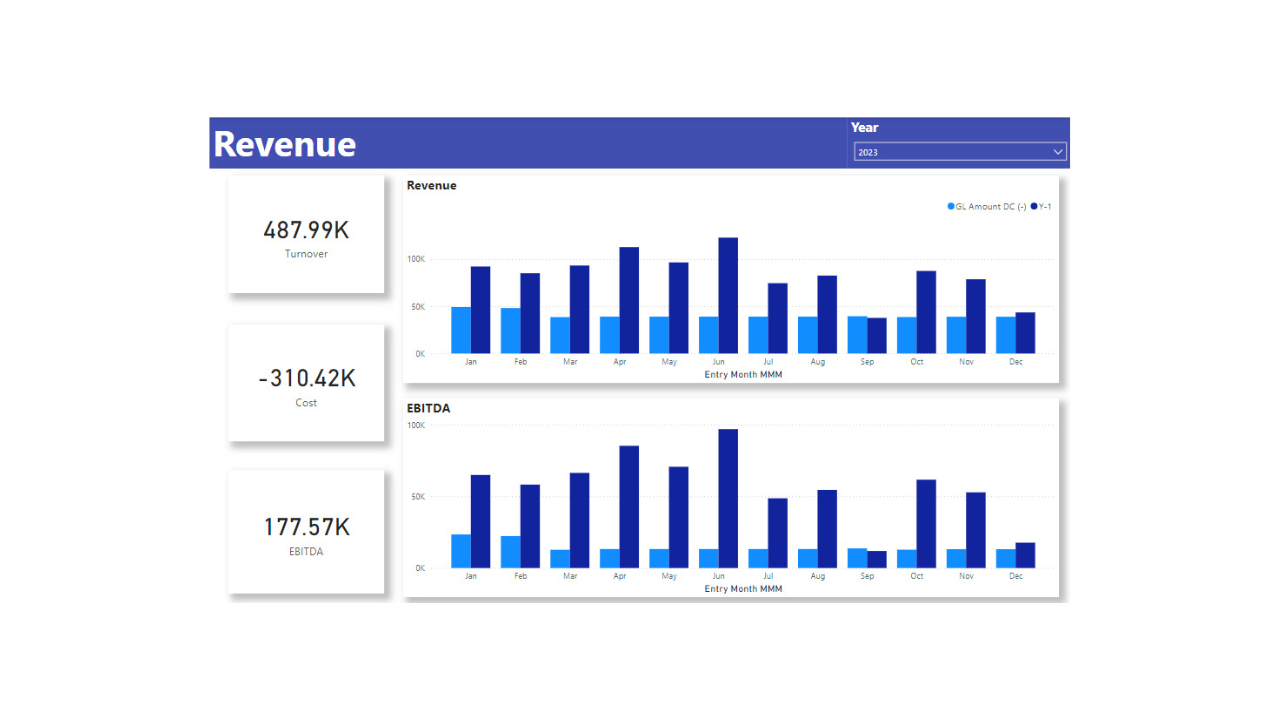
Reporting on Exact Online with Power BI
A walkthrough of our Power BI app for Exact Online: the reports you can build on your financial data and how to set up authentication, step by step.
 Power BI
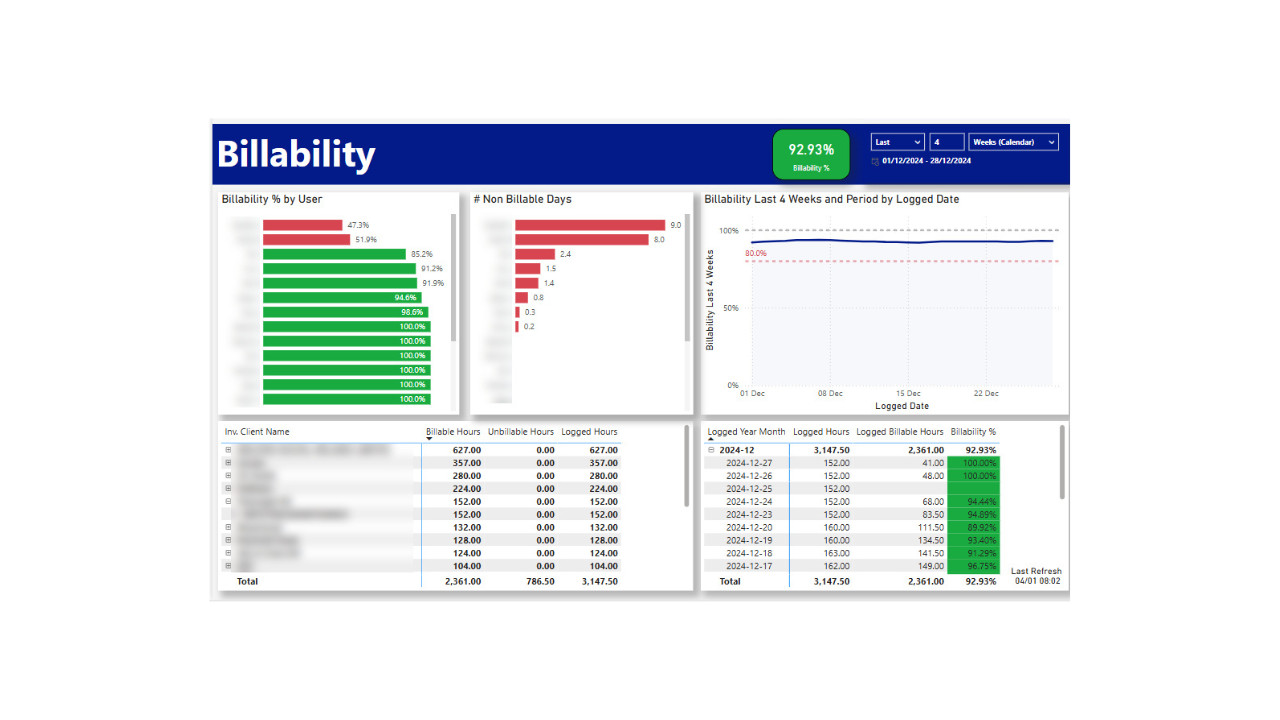
Reporting on Harvest with Power BI
A walkthrough of our free Harvest Reporting app for Power BI: what it does, the insights you get, and how to authenticate with a personal access token.
 DevOps
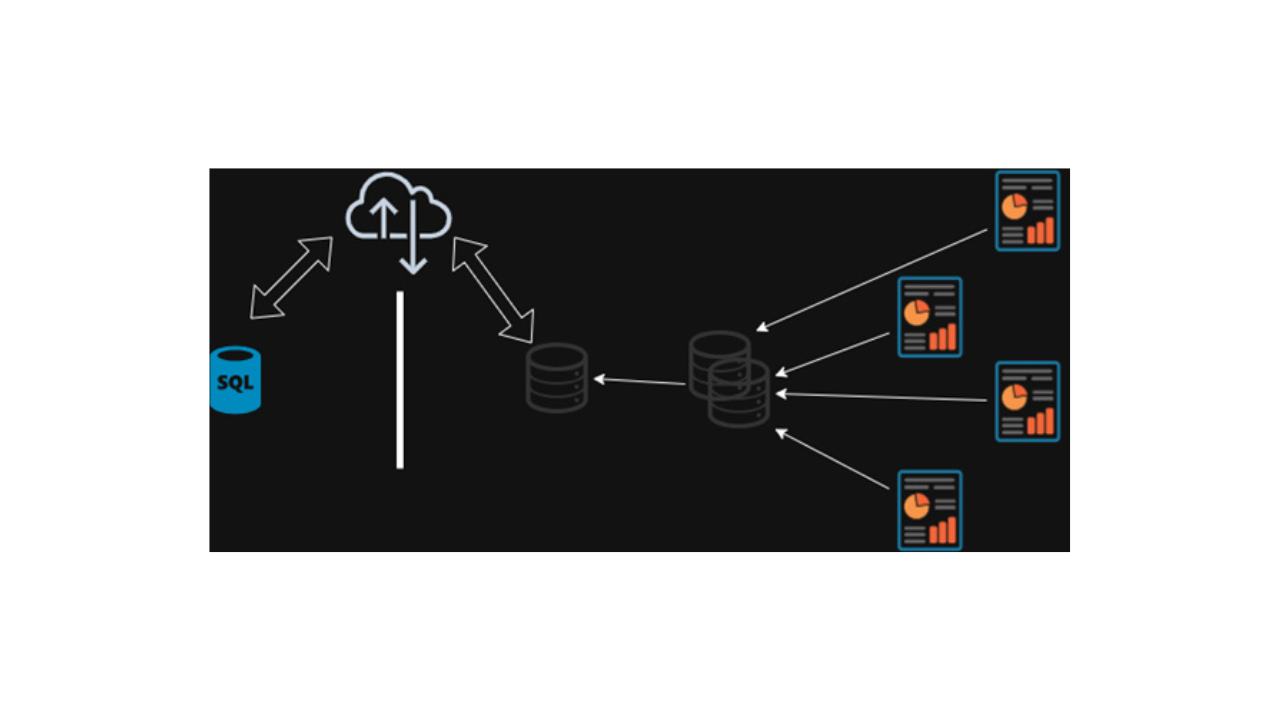
One-Click Workspaces for Power BI CI/CD: Is It Possible?
How we deploy one Power BI report to many workspaces across tenants: service principals, PowerShell and the Power BI APIs in an almost one-click setup.
 Microsoft Fabric
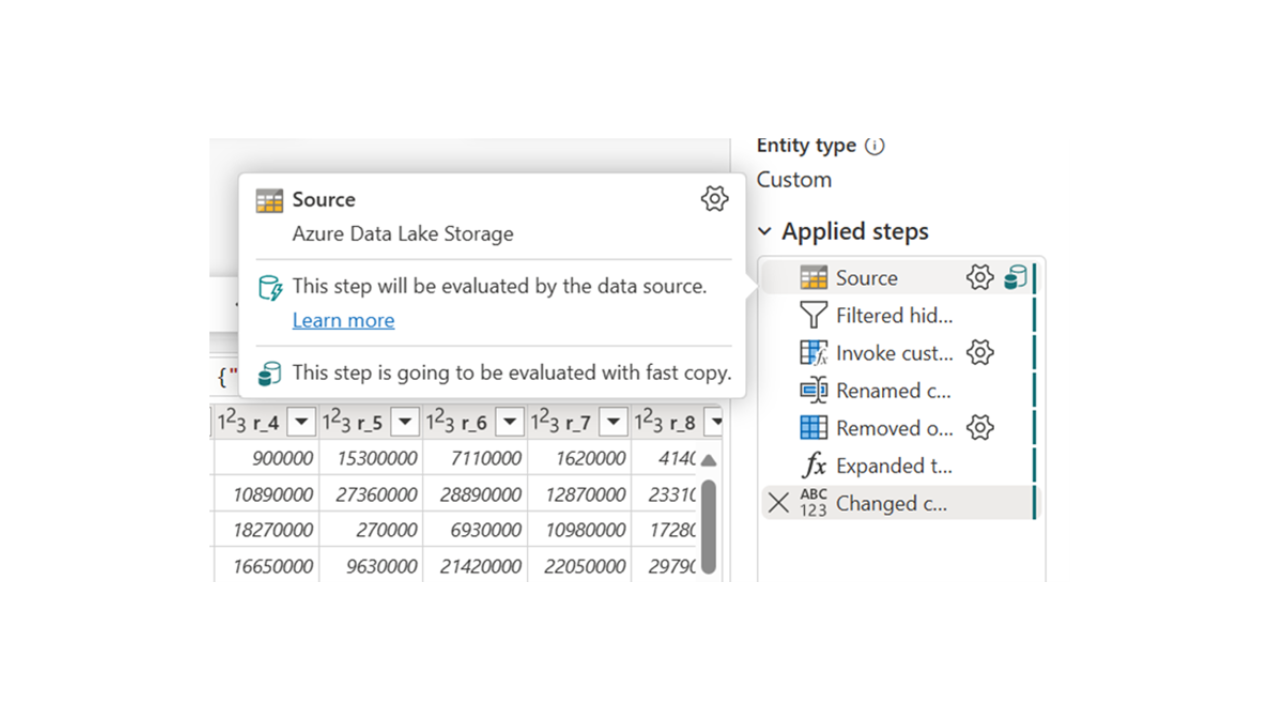
Top 5 Insights from Microsoft Fabric Community Conference You Need to Know
At the end of September, Microsoft Fabric Community Conference took place in Stockholm. During this four-day event, numerous sessions were organized to keep…
 Microsoft Fabric
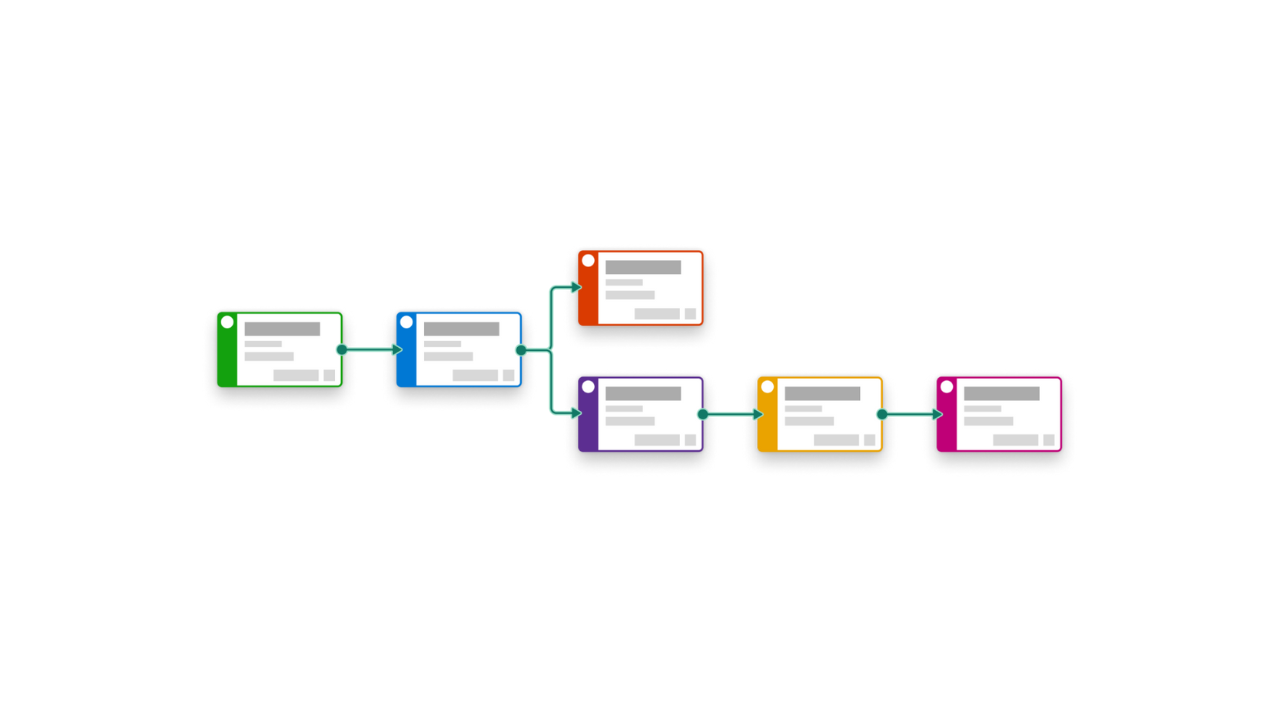
Fabric Task Flows: The Newcomer's Guide
Another month, another update Fabric! This time, a whole new functionality got released: the Task Flow! Are you a data analytics solution architect in…
 Power BI
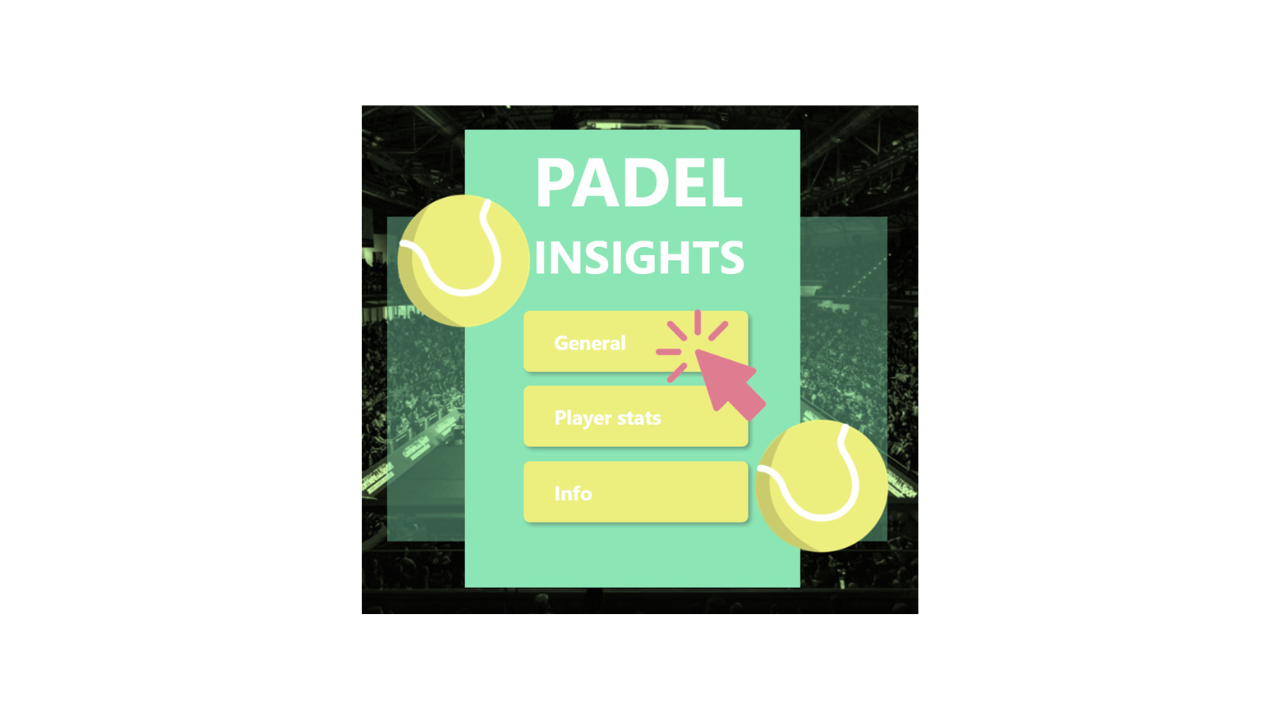
Game, Set, Dash: Track Your Padel Progress
The prevalence of padel is evident not only in the sheer number of competitive matches played throughout the year but also in the motivation to climb the…
 Microsoft Fabric
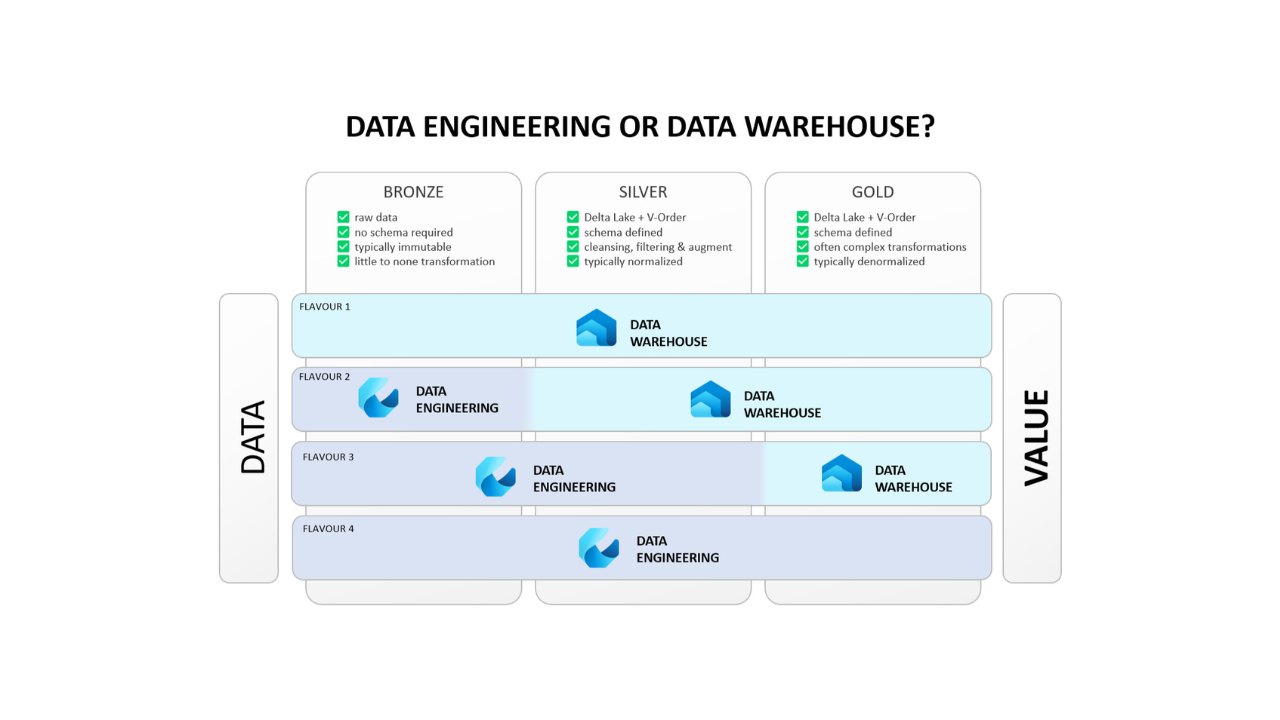
What's in Your Fabric: Data Warehouse or Data Engineering?
we get a lot of interesting questions on Microsoft Fabric. One of the recurring topics is which ETL engine to choose? Can we use multiple? And when to use…
 Microsoft Fabric
Ignite's Highlights: Microsoft Fabric in Minutes!
The central emphasis of this year revolved predominantly around artificial intelligence (AI), highlighted by the recent introduction of Microsoft 365…
 Power BI
Unlock the Power of Data with Microsoft Power BI -- 8 Tips
Eight practical Power BI tips: clean data first, Kimball modeling, fewer visuals, external tools like DAX Studio, and choosing between Pro and Premium.
 Microsoft Fabric
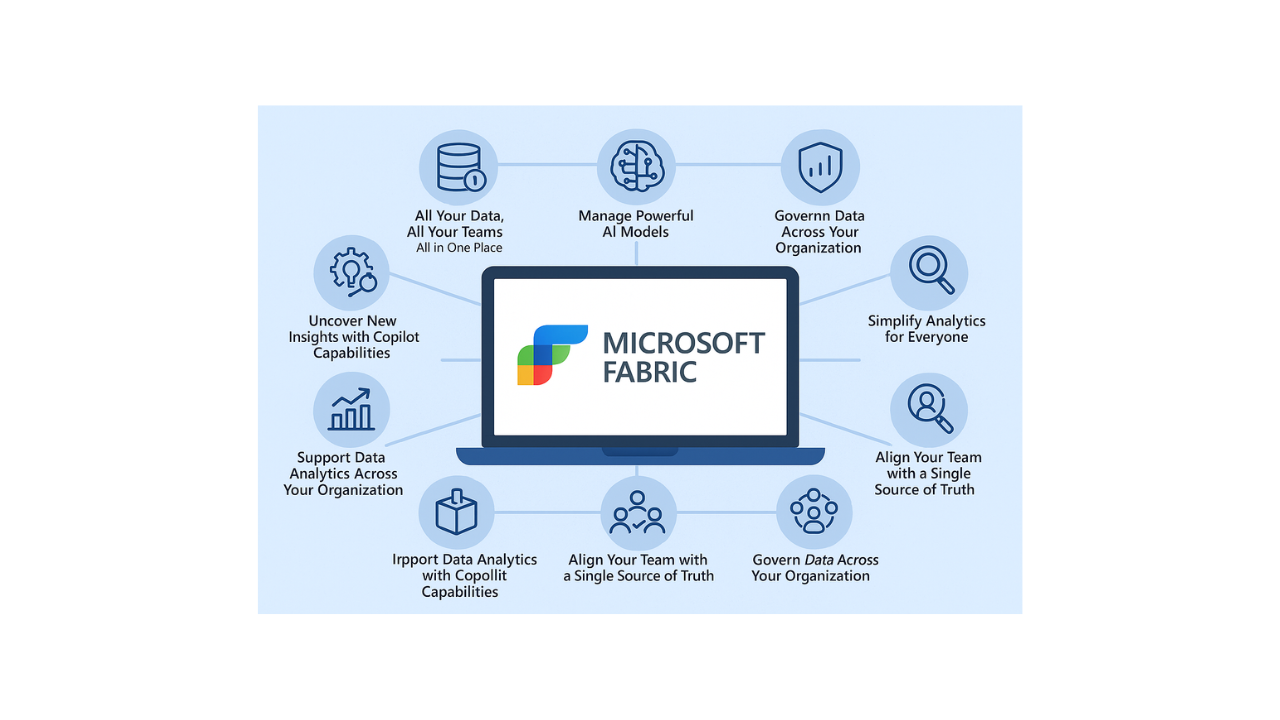
Introduction to Microsoft Fabric!
Microsoft Fabric is an AI-powered platform that aims to reshape the way organizations access, manage, and act upon their data. It is designed to connect…